
Bukku
Launcher for your browser tabs, bookmarks and history
Requires macOS 15 or later
Coming Soon
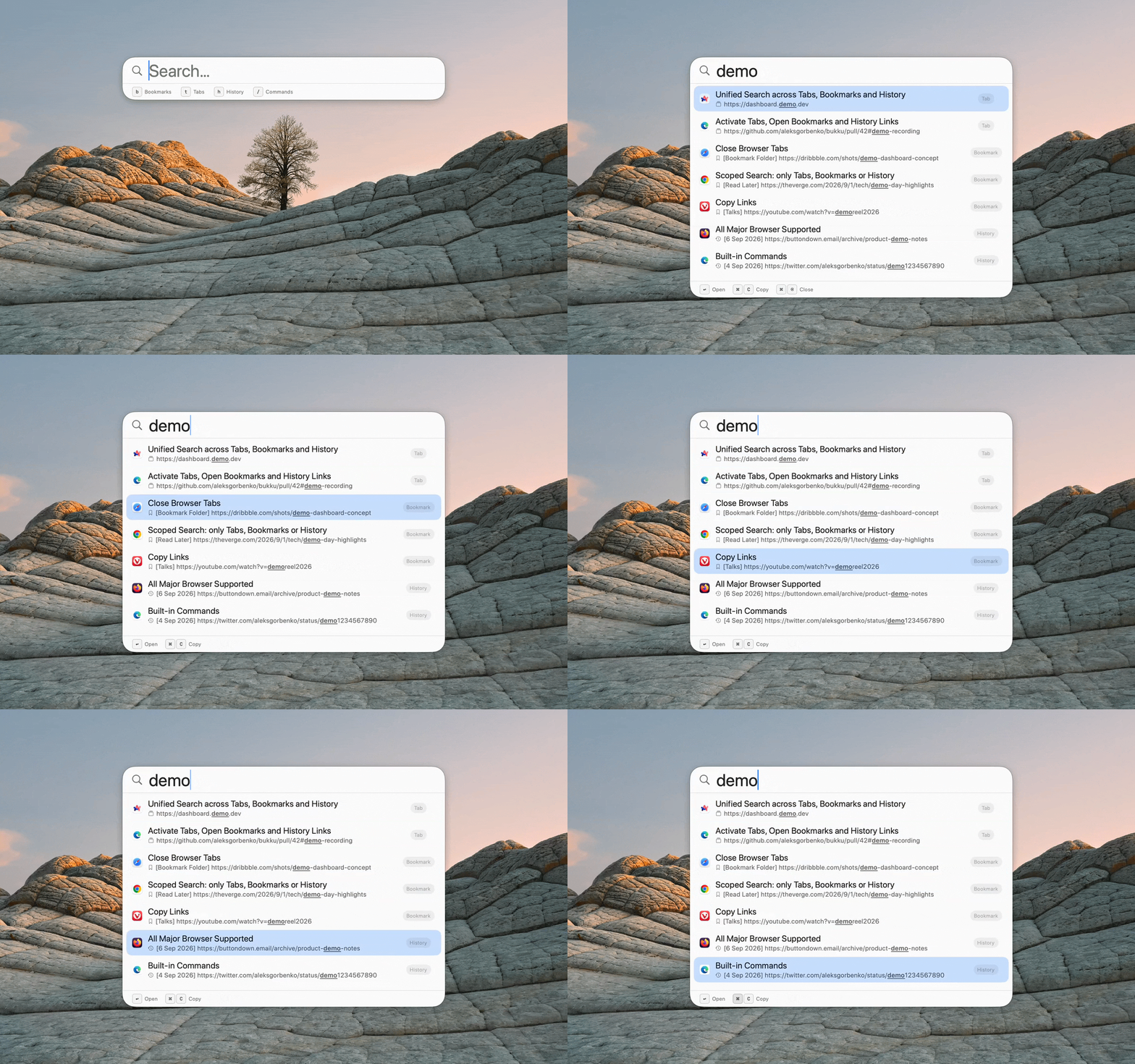
Bukku is a Spotlight-style launcher to control tabs, open bookmarks and history items across all your browsers.
Open it from anywhere with one global shortcut.
Jump to an active tab, close a tab, open a bookmark, open a history item, copy any link - all from the keyboard.
Works offline. Everything stays on your Mac.
No account. No cloud. No telemetry.
Features
Unified Fuzzy Search
One search bar over tabs, bookmarks, and history. Sub-keystroke matching across thousands of entries.
Scoped Search
Narrow the search scope with a one-letter prefix: {prefix}␣{query}
b␣to search bookmarks onlyt␣to search tabs onlyh␣to search history only
Tab Management
Jump to or close any open tab from anywhere, without leaving the keyboard.
- Activate - jump straight to any open tab.
- Close - close any tab without switching to it first.
Copy Links
Copy the URL of any tab, bookmark, or history item without opening the browser.*
*The browser must be open for tabs - history and bookmarks copy even when it's closed.
Browser Support
- Safari - full support
- Chrome - full support
- Brave - full support
- Edge - full support
- Vivaldi - full support
- Arc - full support
- Opera - full support
- Firefox - search history and bookmarks only; Firefox doesn’t support AppleScript, so Bukku can’t switch or close its tabs
Built-in Commands
A command palette for quick Bukku actions - type / to see all commands available.
Apple Shortcuts Integration
Query Bukku from your own shortcuts, from Spotlight, or by voice. Each action takes a query (optional, except for Search Browsers) and an optional limit (all results by default), and returns each item with its type, browser, title and URL.
- Get Browser Tabs - open tabs across every supported browser.
- Get Browser Bookmarks - bookmarks across every supported browser.
- Get Browser History - history, most recent first.
- Search Browsers - tabs, bookmarks and history in one search.
Native, Not Electron
SwiftUI + AppKit, Spotlight-native look and feel.
Command Line Interface†
Script Bukku from the terminal, with the same four operations as Shortcuts. JSON by default, --output csv for CSV.
# Once: put `bukku` on your PATH
sudo mkdir -p /usr/local/bin
sudo ln -s /Applications/Bukku.app/Contents/MacOS/Bukku /usr/local/bin/bukku

# Search tabs, bookmarks and history for "github"
bukku search github

# Open tabs, bookmarks or history, optionally filtered
bukku tabs
bukku bookmarks docs
bukku history github --limit 20
†Not available in the App Store version: Apple doesn’t allow sandboxed App Store apps to add a command-line tool.
Tips
- Type a slash (
/) to open the command palette. - Bukku respects macOS sandboxing - grant browser access once in the permissions center.
FAQ
Does Bukku send my browsing data anywhere?
No. Everything is read locally on your Mac. No account, no cloud, no telemetry.
Why can't I switch or close Firefox tabs?
Firefox doesn’t implement AppleScript, so no app can automate its tabs. Bukku still searches your Firefox history and bookmarks.
Does it show a Dock icon?
No. Bukku is a lightweight menu-bar accessory app - no Dock icon, no heavy background service. It lives in the menu bar and is summoned by your global hotkey.
Can I automate it?
Yes - via Apple Shortcuts (App Intents) and the command-line interface. AppleScript support is in progress.
How do I change the hotkey?
You can change it in the main Settings menu. Press cmd+, or type /settings to open Settings.